Meeting Assistant
Vimmera’s Meeting Assistant shows how AI can immediately make everyday work easier. Meetings are no longer just documented, but automatically translated into structured, usable results.
The application can be used directly at the workplace via PC or laptop, as well as on the go via smartphone or tablet. The devices’ hands-free function is used for this, or a connected microphone is used. Additional hardware is not required. This allows the Meeting Assistant to be used flexibly in existing work environments, in the office, on the go, in the meeting room, or in mobile use.
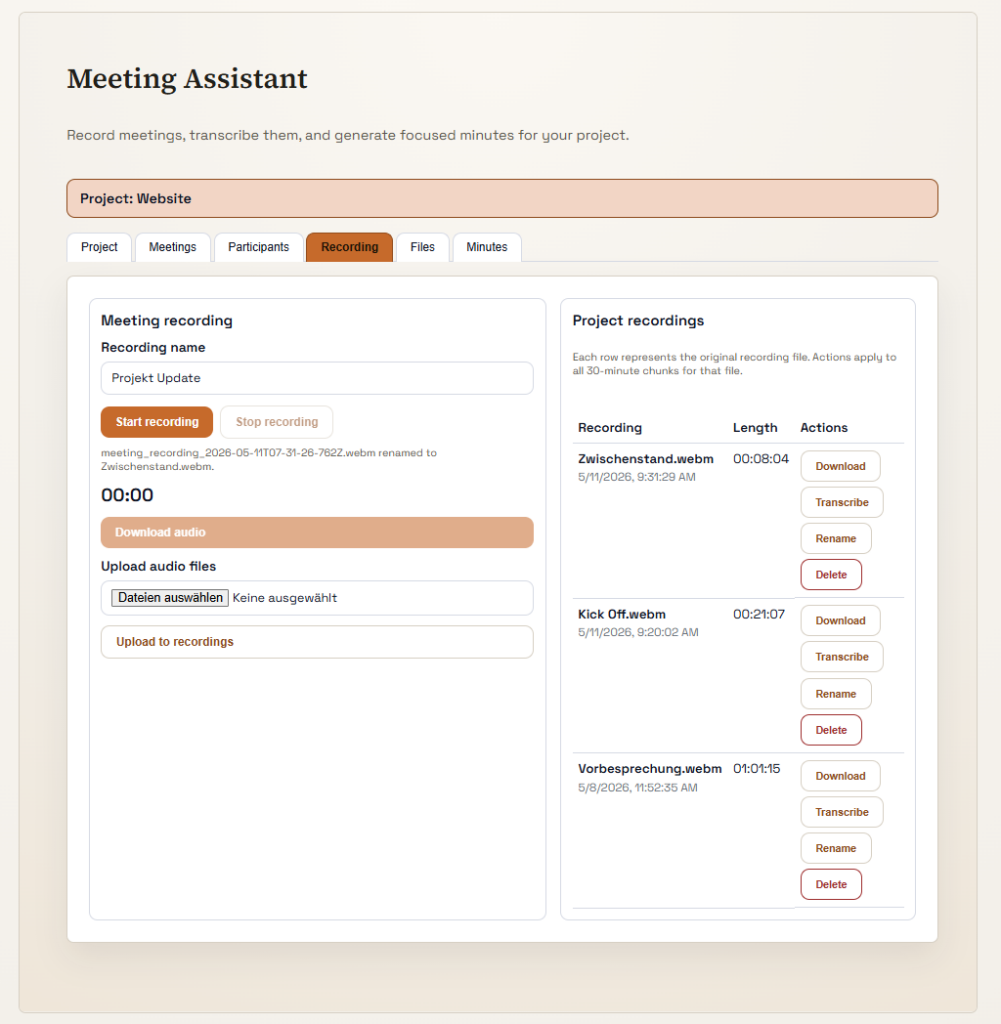
During a meeting, projects can be created, participants recorded, meetings managed, and relevant contextual information stored. The recording can be started directly or an existing audio file can be uploaded. The conversation is then transcribed and automatically converted into a structured meeting record.
The context of a meeting does not have to remain limited to the spoken word. Visual information can easily be added, for example photos of presentations, whiteboards, handwritten notes, or sketches. This content can also be captured directly via smartphone and added to the meeting. This is particularly important because meetings often involve discussing content that is visible but not fully spoken aloud.
Complete presentations, slides, documents, or supplementary materials can also be added to the meeting context. This creates a more complete picture of the conversation. Not only what was said is taken into account, but also what was shown, distributed, and the material available in the room.
On this basis, clear summaries, documented results, and concrete tasks are created. Important information remains traceable, decisions are recorded, and next steps can be processed directly.
Another advantage lies in shared availability. Meetings are stored in such a way that team members or project participants have access to the meetings and the associated information at any time. From anywhere and without the additional sending of files, records, or notes.
If a meeting is conducted and saved, other colleagues can access it directly. Information does not have to be distributed separately, but is available in the respective workspace. This keeps everyone involved up to date and allows them to review, supplement, or use content for further work later on.
The Meeting Assistant is an example of how Vimmera uses AI where it creates immediately noticeable benefits: in daily collaboration, in documentation, in decision-making processes, and in internal organization.
The result is less manual effort, better traceability, and more focus on the actual conversation. Teams can participate more actively instead of taking notes, and afterward receive a shared, structured basis for further work.
Which AI technologies are used?
The Meeting Assistant does not rely on just a single AI system, but on a series of specialized technologies that are used sequentially and together.
First, an audio file is recorded locally on the device or played in. This can be a new recording from a current meeting or an older recording that is to be processed afterward.
Next comes transcription. With the help of speech recognition and speaker recognition, the system identifies what was said and converts the recording into text. It can capture content in many languages and assign the individual parts of the conversation to the respective speakers.
In the next step, a language model helps assign the correct names to the recognized voices. This can be done through a brief introduction during the meeting or derived from the conversation context. Often it is enough if a name has been mentioned once in the conversation.
Another important point is the correct spelling of names, technical terms, and company-specific wording. Conventional transcription systems often reproduce such terms incorrectly. Therefore, participant names, relevant words, technical terms, or internal company spellings can optionally be stored in the Meeting Assistant. The AI recognizes these terms in the conversation and adjusts the spelling accordingly.
After transcription, further AI functions follow. The content can be automatically summarized, transferred into a structured record, and converted into clear task lists. In doing so, it is individually defined what should happen with the transcript content and how the result should be structured.
This does not simply create any standard record, but a record that fits your company, your processes, and your requirements.
In addition, the visual context can also be processed. Photos of presentations, whiteboards, notes, sketches, complete slides, or supplementary materials can be added to the meeting context and taken into account during evaluation. As a result, the outcome is based not only on the spoken word, but also on the information that was visible during the meeting or additionally provided.
This is precisely what makes the Meeting Assistant particularly valuable. In meetings, people often point to things, discuss content that appears on a slide, or refer to notes without every detail being spoken aloud. By integrating these additional media, a significantly more complete understanding of the meeting is created.
The Meeting Assistant thus combines recording, transcription, speaker recognition, term recognition, language models, automatic summarization, record creation, and the processing of supplementary media into a continuous AI-supported workflow.
A small note:
The Meeting Assistant is suitable not only for classic meetings, but also for training sessions, presentations, and knowledge formats that are intended to be available interactively later.
In this process, the entire context of the event is made usable for an AI system. This includes the spoken word, participant information, presentations, supplementary materials, images, notes, and other content. This knowledge can then be made available to employees, project teams, or customers.
This also allows people who did not participate live to interactively access the conveyed information. They can ask questions about the content, have specific topics explained to them, or have the training reproduced in another form. For example, shorter, more detailed, limited to individual subject areas, or adapted to their own level of knowledge.
The advantage is clear: questions are answered immediately, no one has to take notes during the training, and everyone can concentrate fully on the content. At the same time, no important information is lost, and visual content is also incorporated into the overall context.
This turns a one-time training session or presentation into a permanently available source of knowledge. Everyone can retrieve the conveyed knowledge exactly when it is needed, and in the form that is most helpful to them. Even when only a little time is available.
Visual Inspection Support
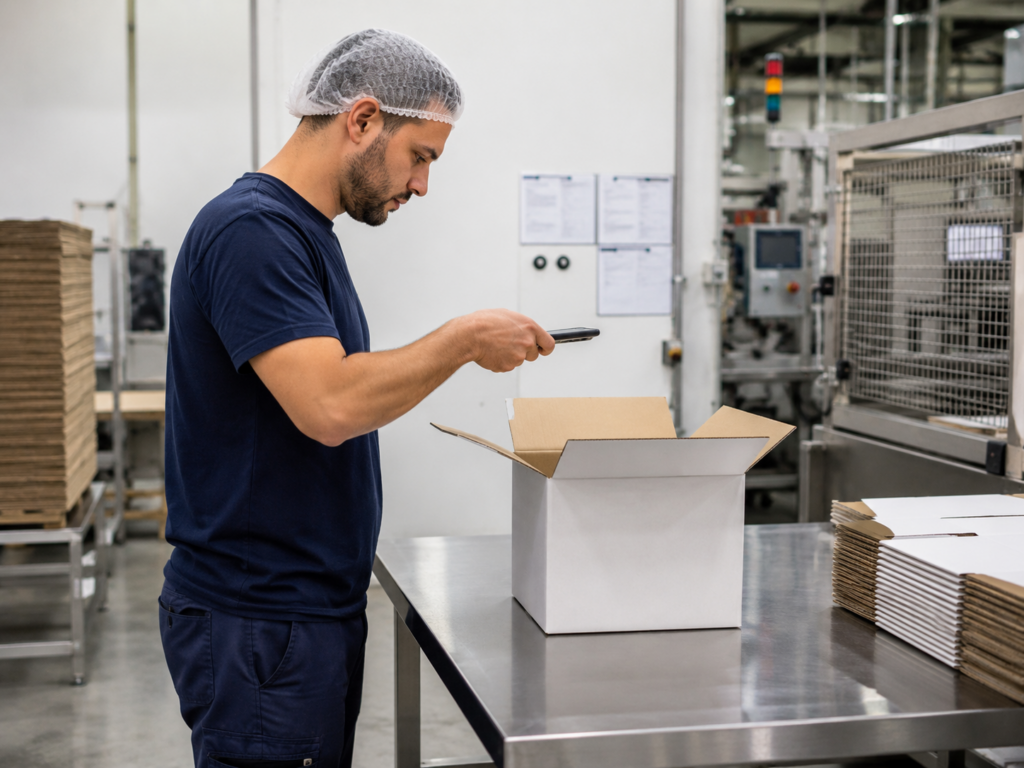
Do you still inspect products manually during final inspections? Are all intended parts installed correctly? Have all required components been fitted? Is the packaging filled correctly? Do colors, versions, and visible details meet the requirements? And are there minor damages, inconsistencies, or anomalies that can easily be overlooked in the rush of a final inspection? This is precisely where Vimmera AI Agents can provide valuable support for visual inspection. Based on a photo of the relevant product, component, or package, the agent assists with visual analysis. It can check whether components appear complete, whether components have been assembled correctly, whether required features or equipment are present, and whether recognizable deviations, anomalies, or potential defects are visible. This is particularly helpful…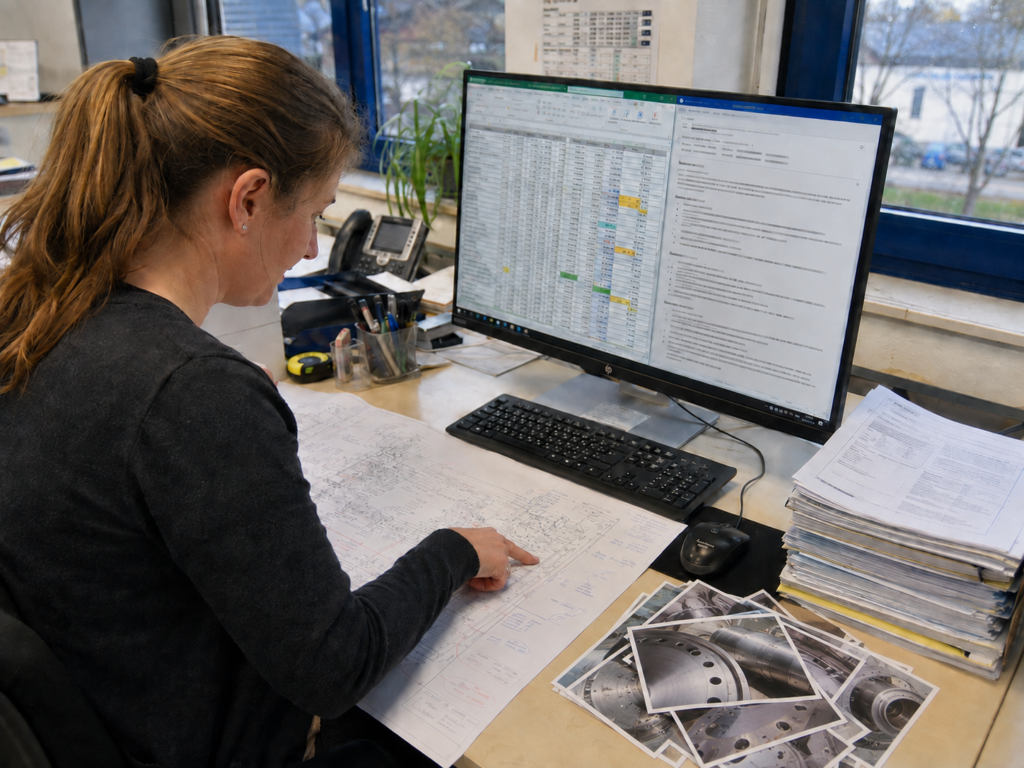
Plausibility checks and intelligent verification
Are you still manually checking various documents for logical consistency and accurate information transfer? Do the quantities in a plan match the order? Has a change also been taken into account in subsequent documents? Does the number of accessories match the intended main components? Do the details in contracts, expert reports, or minutes correspond to what is documented in drawings, tables, or photos? Such checks are often time-consuming, especially when relevant information is spread across many different files and document versions. Vimmera AI Agents handle exactly this task. They understand text, files, presentations, contracts, expert reports, tables, photos, and drawings. Handwritten notes, additions, and annotations within documents can also be included in the review. Information is not merely extracted. The…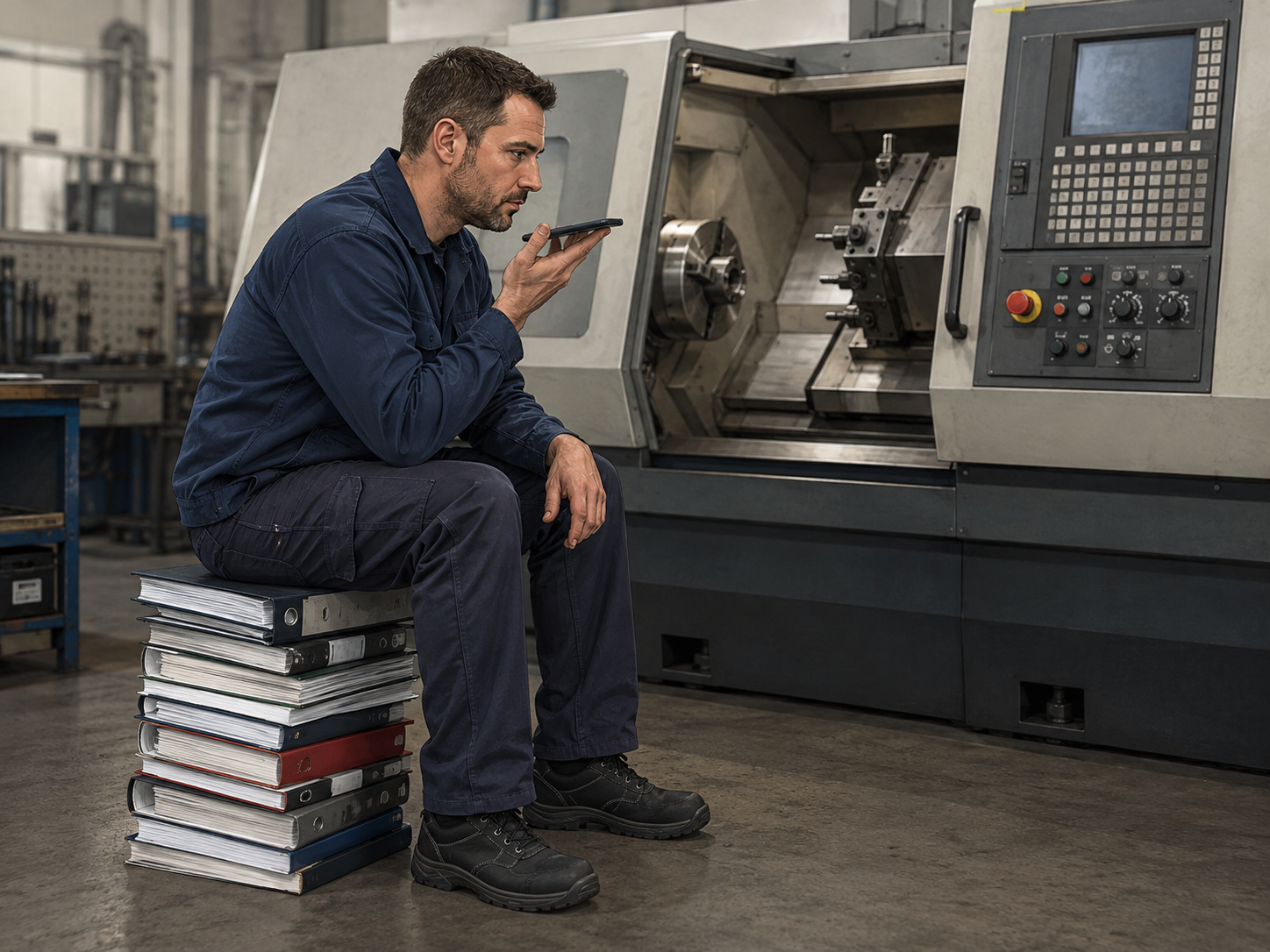
Digital twin
A digital twin is far more than a digital representation of a product, machine, building, or process. It combines information from different sources into an intelligently usable knowledge model. Documents, technical data, images, drawings, measurements, maintenance information, processes, and experience can be assigned to a real object or situation and linked together. This creates a digital twin that not only stores information, but also understands relationships and can answer questions. Don't search. Just ask. Knowledge in context Large volumes of information are generated in companies every day. They are found in documents, emails, databases, technical drawings, ERP systems, CRM systems, manuals, images, or in employees' minds. The problem is often not that information is missing. The problem is that it…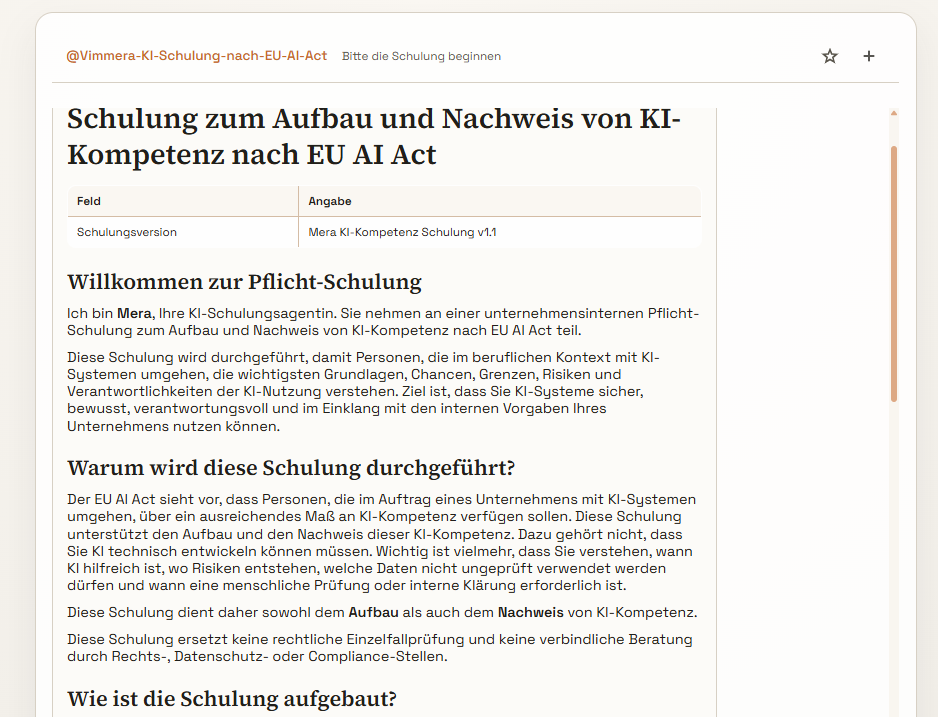
AI training: learning when it really suits you
Training is important. At the same time, it is often difficult to organize in day-to-day business. Dates have to be coordinated, employees are not always available at the same time, content is understood at different speeds, and follow-up questions often only arise later in the work process. With AI-supported training, continuing education becomes much more flexible, individualized, and effective. Vimmera AI can prepare training content so that employees can access it at any time: in the office, working from home, on the go, or exactly when there is time for it. The training no longer has to take place at a fixed appointment. It is ready when it is needed. This creates a new form of knowledge transfer: personal, interactive,…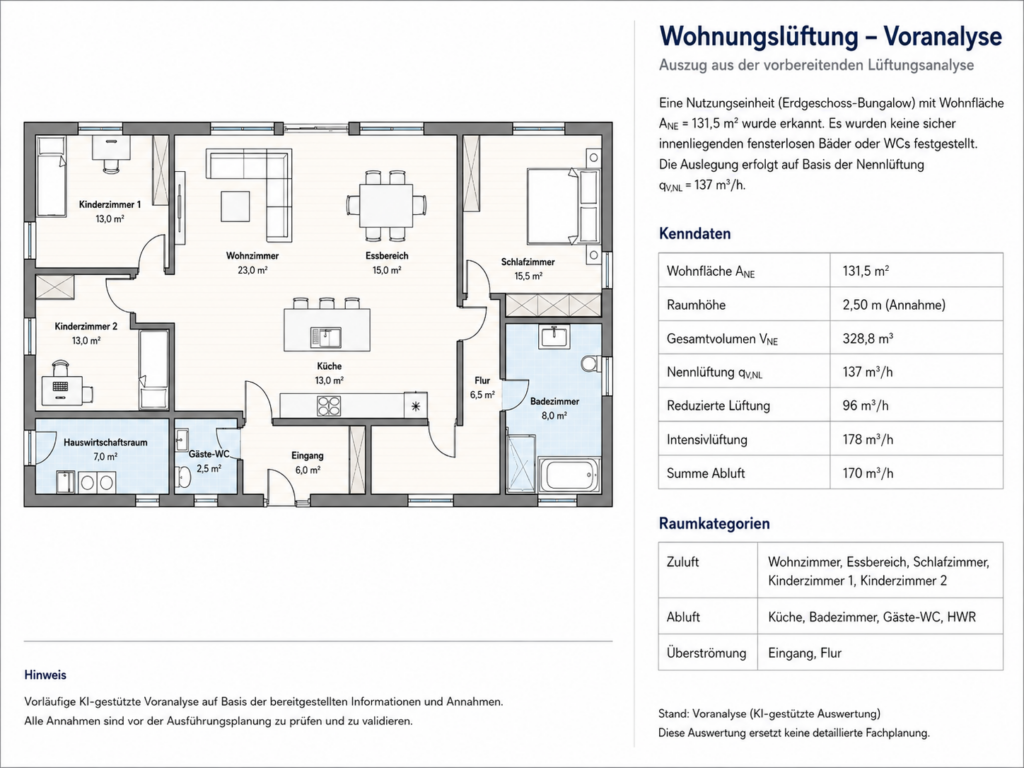
Technical planning
The introduction of an AI-powered planning assistant for residential ventilation units makes it possible to carry out technical calculations and planning processes in residential construction much more efficiently, in a more structured way, and with greater traceability. The goal is to digitally support the entire planning workflow, from the initial floor plan recognition through the determination of the required air volume flows to the selection of suitable ventilation units. A central component of the system is the automatic analysis of floor plans. These can be provided, for example, as a PDF, image file, scan, or photo. The AI recognizes rooms, room boundaries, wall runs, doors, windows, shafts, and other relevant structural elements. Existing dimensions are read out and used for…
Personal AI assistants
Another special use case are personal AI assistants for individual people within the company. These are individually customized AI agents that not only support general tasks, but can be specifically tailored to a particular person’s way of working, areas of responsibility, and communication style. Such a personal assistant can access approved company knowledge, for example internal documents, templates, product information, process descriptions, guidelines, customer information, or project materials. At the same time, it is specialized for the respective person. This enables the assistant to understand which tasks arise regularly, which wording is preferred, how emails are usually structured, which tone is used in communication, and how documents should be structured or prepared. A personal GPT assistant can, for example, help…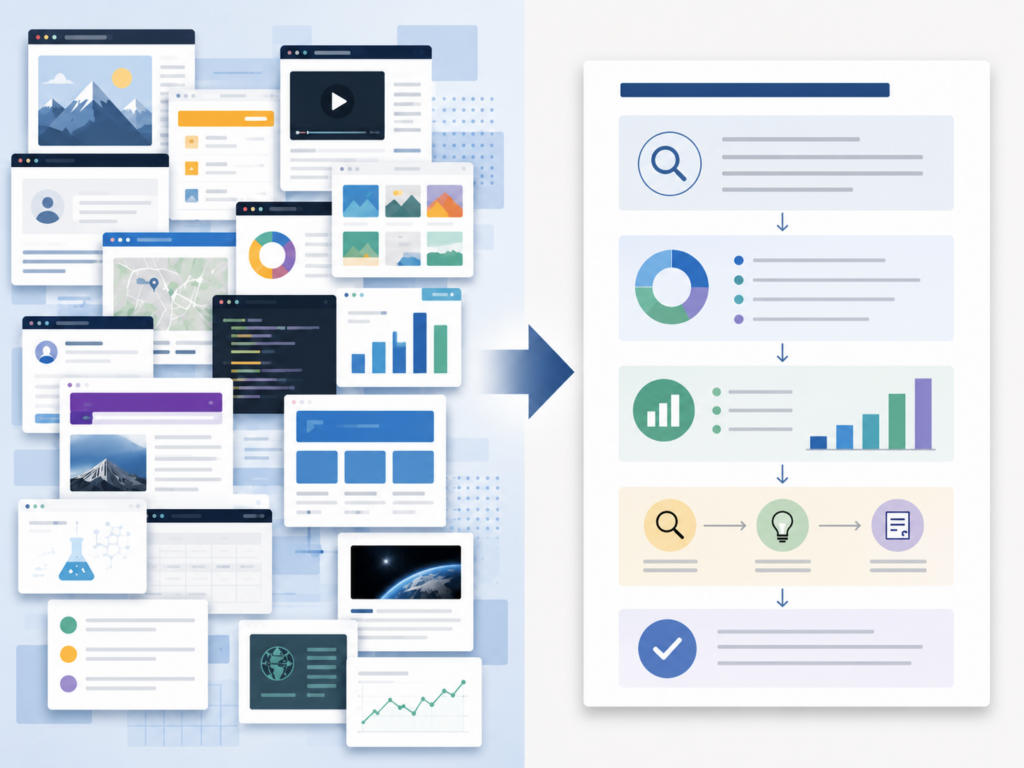
AI web search and research
Another useful application area is AI-powered web search and research assistants. They help companies find information from the internet much faster, more systematically, and more purposefully than with a traditional manual search. Ordinary internet searches are usually carried out via individual search providers such as Google. Users enter a search query, review the displayed results, open various websites, adjust their search terms several times, and then try to compile the relevant information from many individual sources. This process is often time-consuming, confusing, and heavily dependent on how well the original search query was formulated. An AI web search assistant goes much further here. The user merely describes the research goal in natural language. The assistant independently develops several suitable search…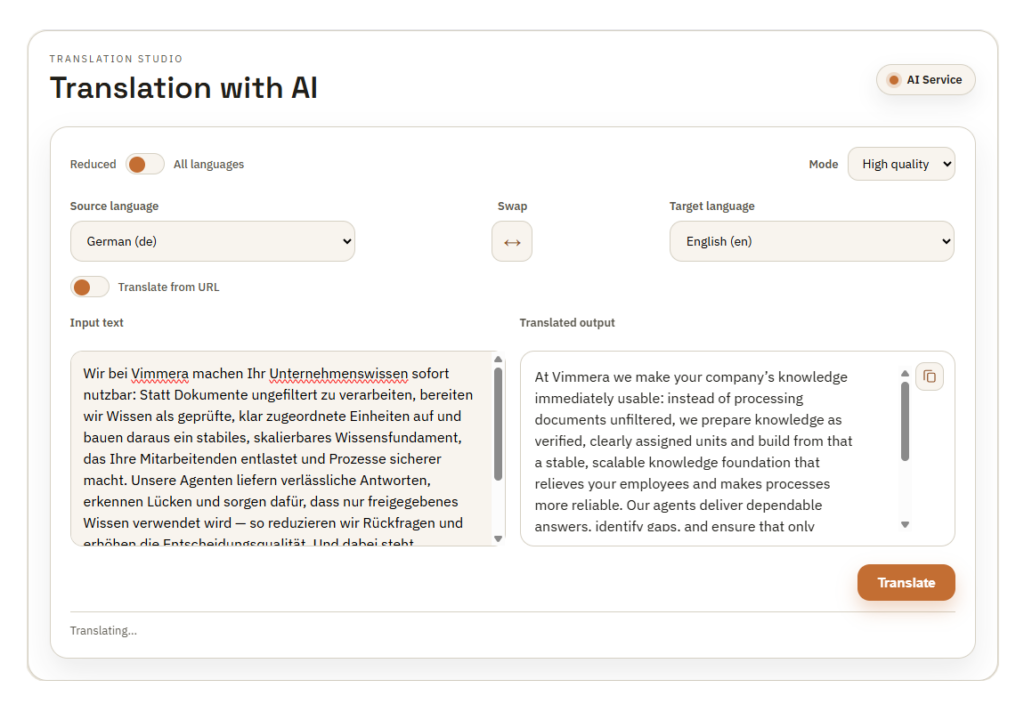
Translation tools
Today, almost any tool can translate texts into other languages. The real difference becomes apparent, however, when content needs to be technically accurate, linguistically natural, and truly usable in a business context. This is exactly where our translation tools come in. Our solution does not just translate any texts, documents, meetings, and conversational content into other languages. It also takes into account technical terms, product names, industry-specific wording, correct idioms, and country-specific characteristics. The result is translations that are not only linguistically correct, but also technically reliable and ready for direct use in international processes. Translate technical terms correctly in every language Many standard solutions translate words, but not the technical context. Especially with technical content, product descriptions, or internal…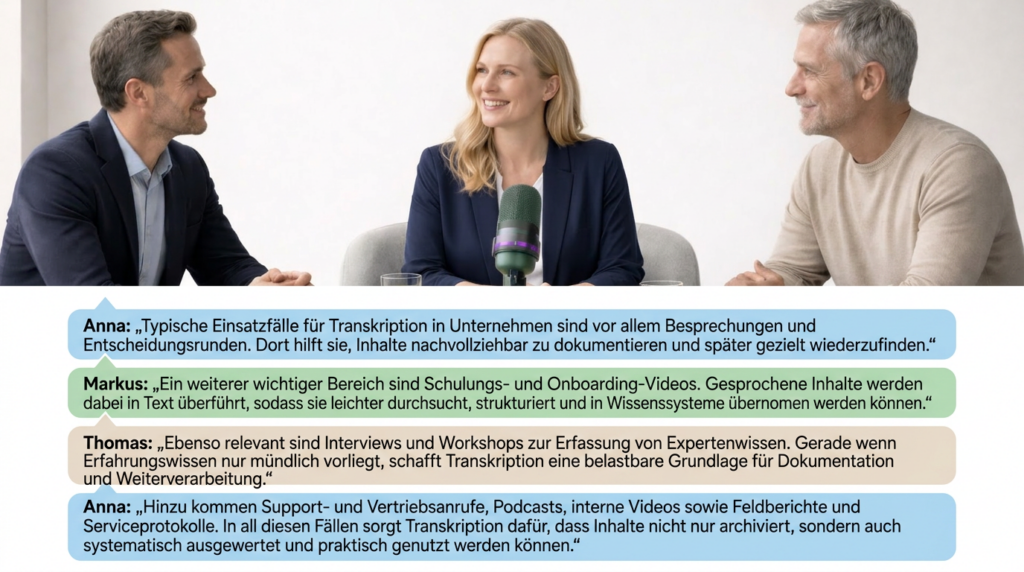
Speech to text
Converting speech into text is technically no longer a feat today. Transcribing conversations, voice notes, or meetings has almost become standard by now. The real difference therefore lies not in merely writing things down, but in understanding, structuring, assigning, and intelligently processing the content further. In addition, many solutions quickly reach their limits in practice: they require dedicated hardware, are based on closed systems, or can only be connected to existing applications and processes to a limited extent. With Vimmera Studio, Vimmera AI offers a significantly more flexible approach. Any mobile phone, tablet, PC, or laptop can be used directly – without additional hardware and fully integrated into Vimmera’s AI landscape. This is how Vimmera AI goes far beyond traditional…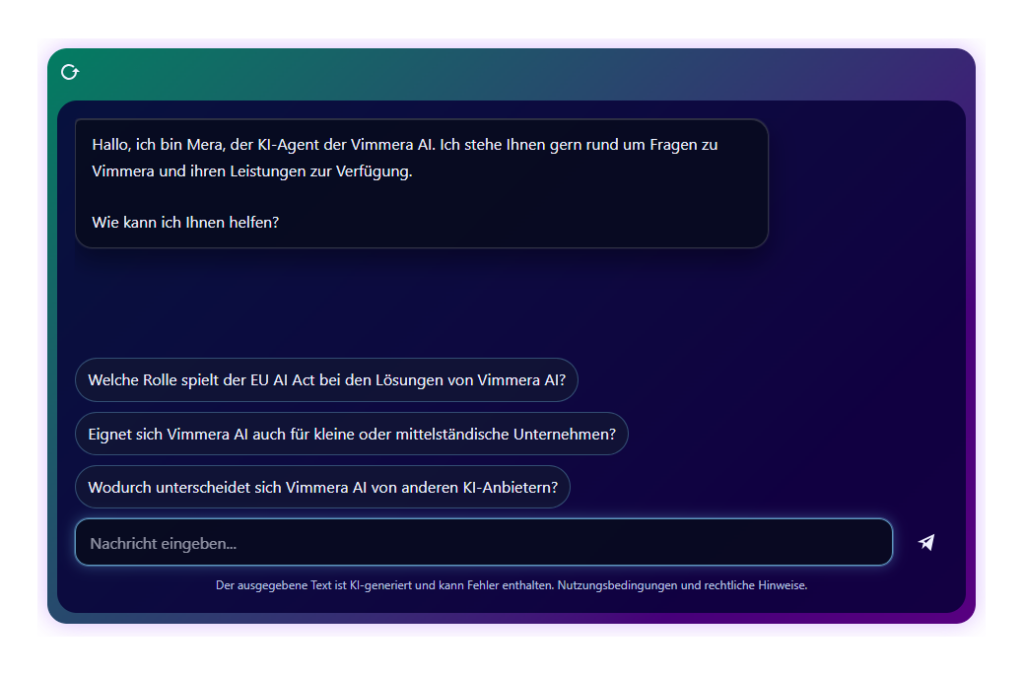
Chatbots for businesses
Chatbots have now become established in many companies. On websites, in customer portals, or in internal systems, they answer questions, assist with inquiries, or help make information accessible more quickly. But this is exactly where the crucial difference becomes apparent: a simple chatbot responds to known questions with predefined answers. An intelligent chatbot, on the other hand, understands content, recognizes connections, processes even complex inquiries, and accesses relevant knowledge in order to provide real help. Our intelligent chatbots therefore go far beyond traditional question-and-answer systems. They can use information from documents, product data, knowledge databases, and internal guidelines to answer inquiries precisely, contextually, and in a structured way. This is not just about standard cases, but also about complex topics,…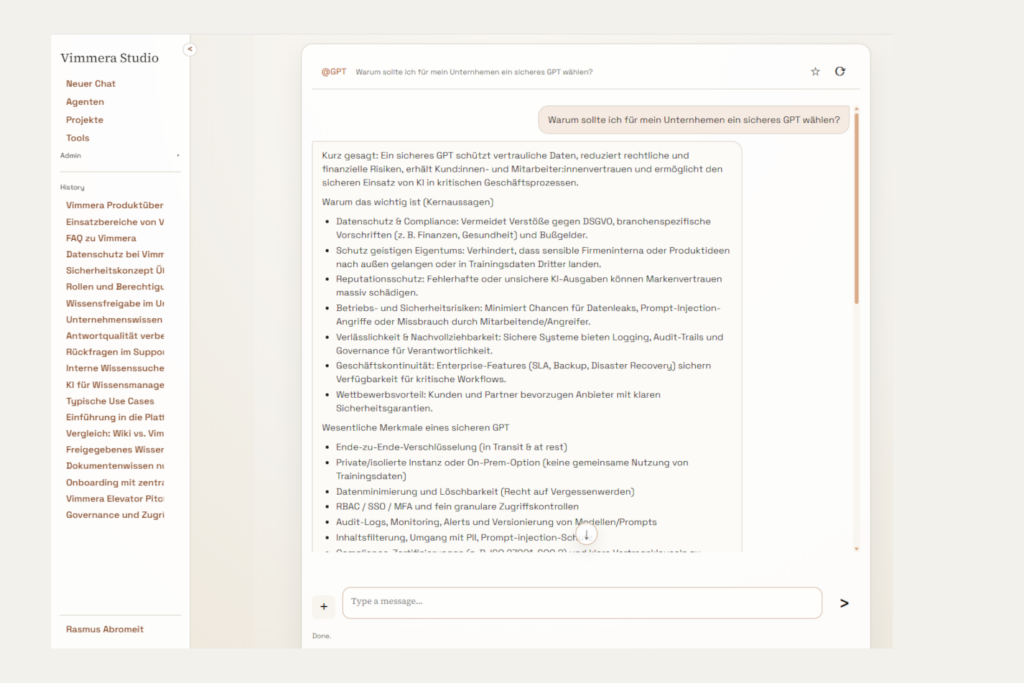
GPTs for Companies
The use of AI in everyday business is increasing rapidly. Employees use tools like ChatGPT, Claude, or other systems to create texts, analyze information, summarize content, or speed up work processes. However, this is exactly where a growing risk arises: shadow AI. This refers to the use of powerful AI tools outside controlled, approved, and data protection-compliant corporate structures. The result is potential data leaks, data protection violations, compliance risks, and a lack of overview of which information is being entered into external systems. What is shadow AI? Shadow AI is when employees independently use AI services without them being centrally reviewed, technically secured, or organizationally controlled. In practice, this often happens for understandable reasons: the tools are well known,…
Inspiration for Marketing
Creating marketing content has never been easier than it is today. Texts, social media posts, campaign ideas, or advertising content can now be generated in a short time with many tools. But that is precisely where the real challenge lies: if almost every application can generate content today, what is the real difference? The answer is simple: not in pure text creation, but in the ability to develop targeted, brand-compliant, and genuinely usable content for different channels and use cases. Our marketing tools therefore go far beyond simple text generators. They support companies in creating marketing campaigns, social media posts, advertising copy, content ideas, posts, ads, and other communication content such as images. This does not just produce quickly written…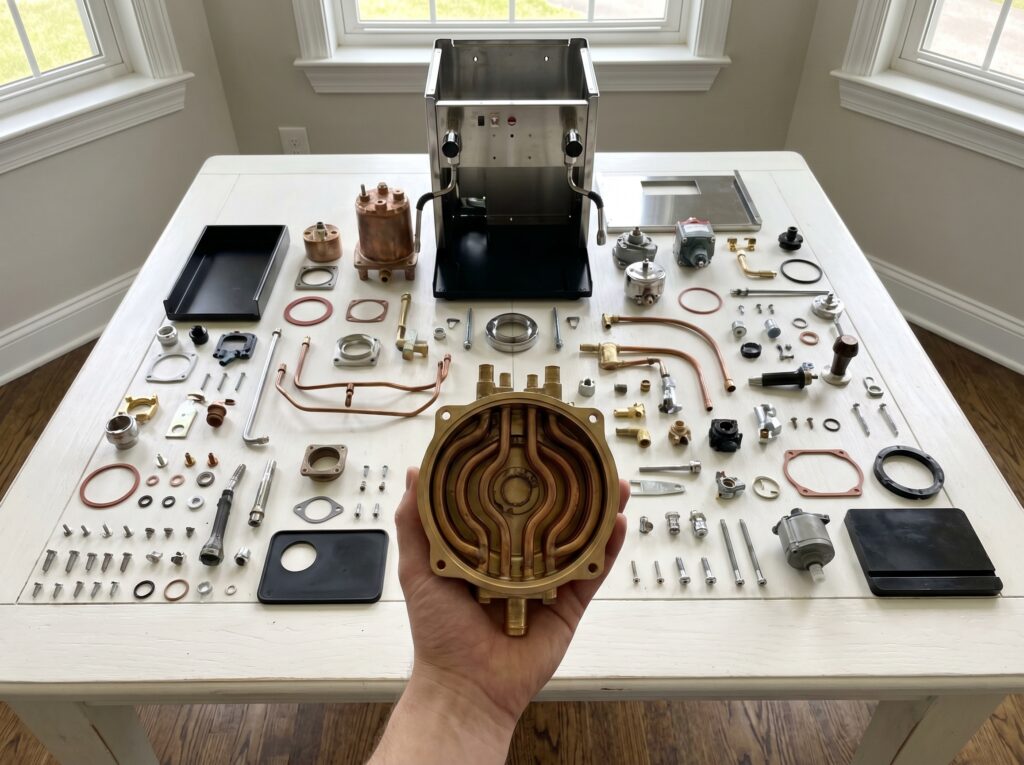
Spare parts and product search
Searching for spare parts is significantly more time-consuming in many companies than it appears at first glance. Exact designations are often missing, item numbers are not readily available, product variants differ only in details, or important information is spread across multiple systems, documents, and sources of knowledge. This is exactly where the potential of an intelligent, AI-supported search becomes clear. With Vimmera Studio, a powerful product and spare parts search can be implemented through a combination of different agents that goes far beyond traditional search forms. Instead of merely executing rigid database queries, the system accesses company knowledge from a Cortex, understands relationships, and searches semantically for the right products, variants, accessories, or spare parts. This creates a solution that…
Meeting Assistant
Vimmera's Meeting Assistant shows how AI can immediately make everyday work easier. Meetings are no longer just documented, but automatically translated into structured, usable results. The application can be used directly at the workplace via PC or laptop, as well as on the go via smartphone or tablet. The devices' hands-free function is used for this, or a connected microphone is used. Additional hardware is not required. This allows the Meeting Assistant to be used flexibly in existing work environments, in the office, on the go, in the meeting room, or in mobile use. During a meeting, projects can be created, participants recorded, meetings managed, and relevant contextual information stored. The recording can be started directly or an existing audio…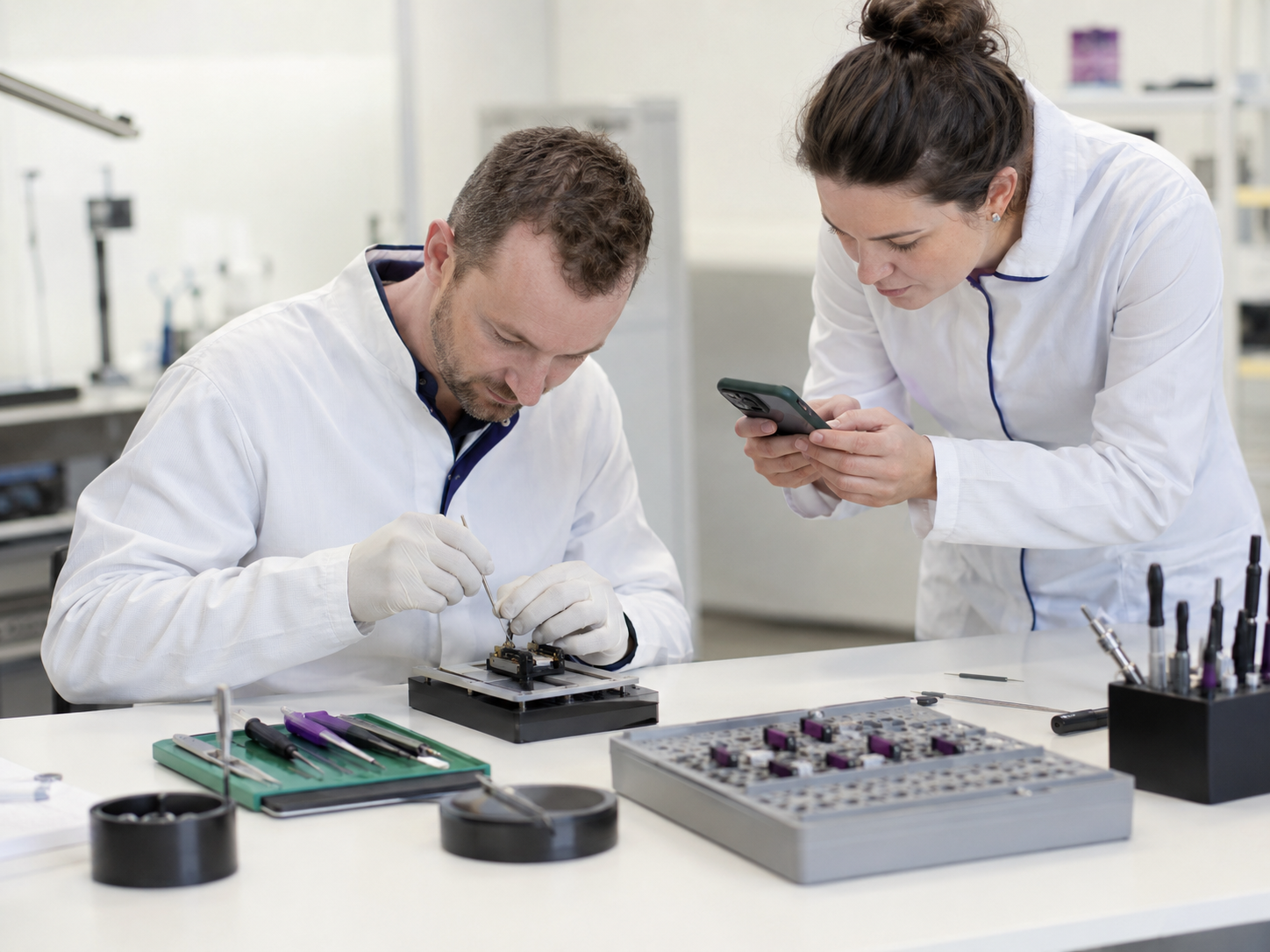
Create manuals and documentation by language
Manuals, instructions, process descriptions, and internal guidance are important for companies. They ensure that workflows remain understandable, knowledge is passed on, and employees can carry out tasks reliably. However, creating such content is often time-consuming. Processes must be described, steps documented, screenshots inserted, wording aligned, and content regularly updated. That is exactly why many manuals remain incomplete, outdated, or are never created at all. Vimmera simplifies this process with AI. Explain knowledge simply instead of writing it down laboriously With Vimmera's tools, employees can capture their knowledge directly by voice. They sit at the computer, go through a process, open documents, show work steps, or explain a specific task. In doing so, they simply describe what they are doing, why…
Interactive manuals and assistance with AI
Manuals, instructions, process descriptions, and help documents are indispensable in many companies. They explain products, procedures, systems, machines, internal rules, or frequently performed work steps. But in daily use, they are often difficult to access. Information is stored in PDF files, folders, wikis, intranets, or printed documents. Anyone with a specific question has to search, leaf through, read, and compare. This takes time and often leads to colleagues or support being asked again after all. Vimmera turns static manuals into interactive help systems. From manual to digital assistant With Vimmera, existing manuals, operating instructions, training materials, FAQ lists, process documents, technical documentation, and internal guidelines can be transferred into an AI system. The content is not only stored, but also…
Make onboarding and offboarding easier with AI
When employees leave a company, valuable knowledge is often lost. Processes, workflows, responsibilities, experience, and small details from everyday work are often known only to individual people. It is precisely this knowledge that is especially important for companies. With Vimmera's tools, this knowledge can be passed on easily, securely, and in a structured way. Employees do not have to write long handover documents or create complicated process descriptions. They can explain their work directly while sitting at the computer, reviewing documents, or carrying out a process. The system listens, recognizes connections, and makes the information available for future users. Capture knowledge easily by voice The handover begins very simply. Turn on the microphone and explain what is being done. The…
Making company knowledge accessible to everyone
Every company generates valuable knowledge every day. In documents, presentations, meetings, training sessions, projects, processes, customer inquiries, and in the minds of employees. Yet this knowledge is often not available where it is needed at that moment. Information is scattered across different systems, folders, files, or departments. Some content is difficult to find, while other information is known only to certain individuals. This costs time, complicates decision-making, and makes companies dependent on individual knowledge holders. Vimmera makes company knowledge centrally available and easy to use with AI. From scattered information to usable knowledge Existing information is not only collected, but also structured, linked, and transferred into a shared knowledge space. Documents, minutes, presentations, training materials, process descriptions, images, videos, and…