11. Additional data sources and interfaces
Depending on the use case, it may make sense or be necessary to supplement the knowledge base from documents and verified company knowledge with additional data sources. These include, for example, databases, business systems, and other data interfaces that can be connected via modern integration standards such as MCP.
The reason is simple: not everything an AI is supposed to answer or do is contained in documents. Many important pieces of information are “live” and constantly changing, such as prices, inventory levels, customer status, transaction data, tickets, delivery dates, master data, or project information. For the AI to work reliably here, it needs controlled access to the systems in which this data is provided.
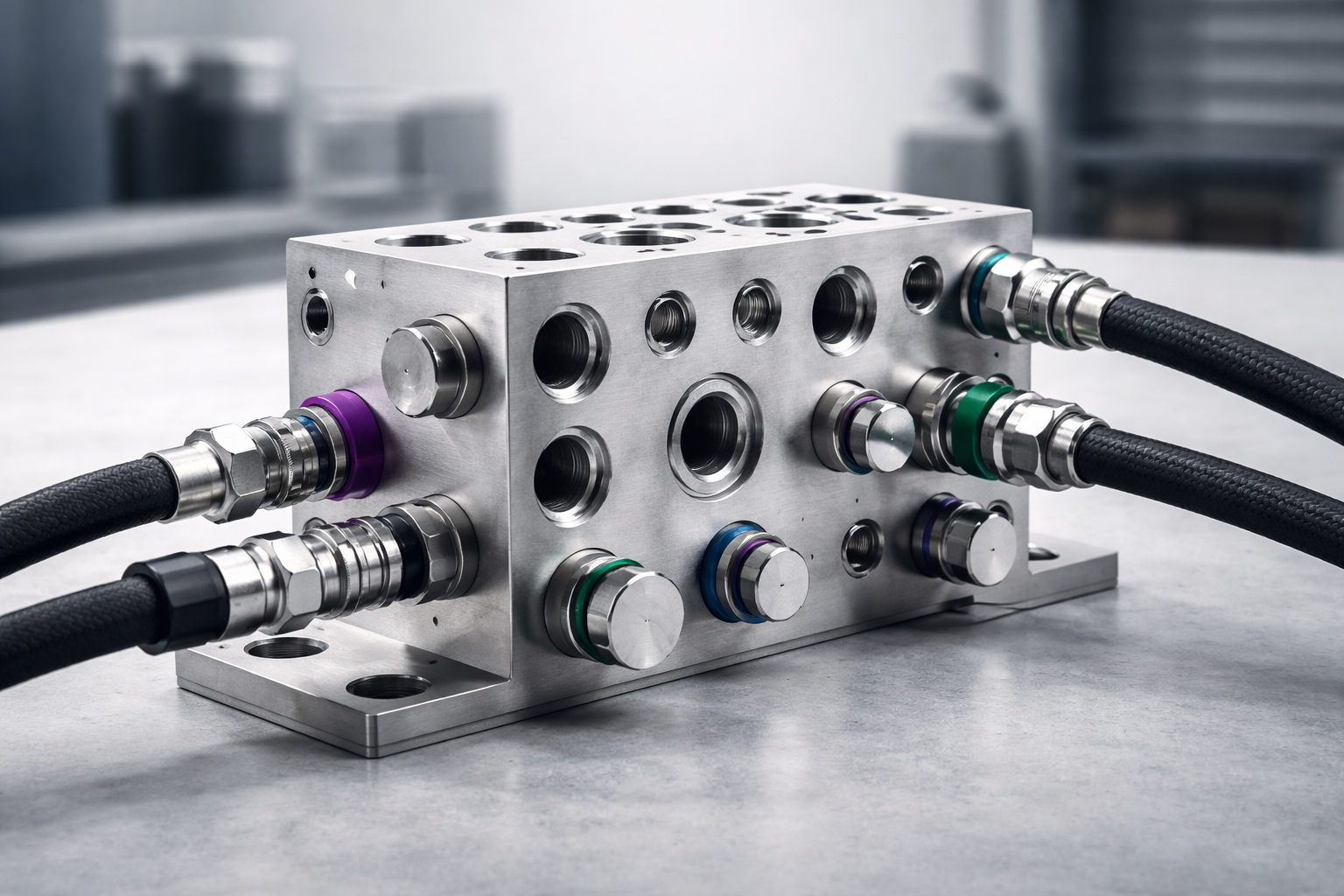
What happens in this step?
In this step, it is jointly determined which external systems should be connected and for what purpose. These can be classic databases (e.g. SQL databases), internal APIs, ERP/CRM systems, DMS, ticketing or helpdesk systems, product databases, knowledge systems, or specialized platforms.
Suitable interfaces are then implemented and secured. Depending on the system landscape, this can be done via direct database access, REST APIs, middleware, events—or via standardized connector approaches such as MCP. The goal is always to ensure that the AI does not retrieve data “somehow,” but via clearly defined, tested, and controllable paths.
What is important here is: the AI does not get blanket access to “everything.” It is defined precisely which data fields, tables, endpoints, or functions may be used, which roles this applies to, and under which conditions queries are permitted. In addition, it can be defined whether the AI may only read data or whether it may also trigger actions, for example creating a ticket, pre-filling a quote, or initiating a workflow. If write access is permitted, additional control mechanisms and approvals are generally built in.
Why this step is so important
Without connected live data, AI remains limited to static information in many cases. That is often entirely sufficient for explanations, processes, policies, or product knowledge, but not for tasks that require current states or need to actively use systems.
Connecting additional databases and interfaces ensures that the AI does not guess or work with outdated information. Instead, it can retrieve current, reliable data and combine it with verified company knowledge. This makes answers more precise, processes faster, and tasks more automatable.
At the same time, this step is crucial for clean governance: instead of “somehow having access,” there are defined data paths, traceable permissions, clear boundaries, and controllable results.
What you gain from it
By integrating additional data sources, your AI becomes significantly more capable in day-to-day operations. It can not only explain, but also provide concrete support because it can work with current data.
Examples include the automated answering of status questions (“What is the status of case X?”), preparing quotes with live prices and suitable terms, retrieving product or spare-part information from master data, creating or updating tickets, or context-specific support in customer service with a view of the specific customer case.

19. Documentation
A professional AI system is only as good as its traceability. That is why documentation at Vimmera AI is not a by-product, but a central component of every solution. It ensures that your AI system not only works today, but also tomorrow, in a year, and in a changed organizational or legal environment. The documentation […]

18. Care, support & further development
With the go-live and the second DEX analysis, the AI has successfully arrived in your company. But just like your company itself, your AI does not stand still. Products change, processes are adjusted, new insights emerge, markets and requirements continue to develop. At the same time, the underlying technologies are also developing rapidly: new LLMs, […]

17. The second DEX analysis
Measure impact, identify potential, develop in a targeted way After the go-live, the phase begins in which it is decided whether AI has not only been “introduced” but has actually become effective. This is exactly why the DEX analysis is carried out a second time. It is not a formal conclusion, but a deliberately set […]

16. Go-live
The productive start of your AI After the successful pilot phase and joint fine-tuning comes the decisive moment: the go-live. In this step, the AI is officially activated for productive use within the entire defined scope. From now on, it is no longer just a pilot project, but a permanent part of your working environment. […]

12. Customization of the user interface
Frontend & User Interface – AI where people really work For AI to be effective in a company, it is not enough for it to work technically. It must be available where employees actually work – simply, reliably, and without additional hurdles. That is why Vimmera AI generally relies on browser-based frontends. Browser-based solutions offer […]

9. Prompt Engineering
Prompt Engineering – Giving AI a Clear Identity After the company knowledge has been collected, processed, and verified, another central step follows: prompt engineering. In this phase, it is determined how the AI thinks, responds, and acts. Vimmera AI takes this step in close coordination with you, because this is not about technology, but about […]

10. Implementation of security mechanisms
Additional security mechanisms – protection for knowledge, systems, and results In addition to selecting and combining the appropriate LLMs, another important step is implemented depending on the requirements and area of application: the implementation of additional security mechanisms. Because your knowledge is valuable, and it deserves the same protection as any other business-critical system. Vimmera […]

8. The selection of the LLM or LLMs
The selection of LLMs – the right AI brain for your tasks After knowledge has been structured, verified, and technically prepared so that it can be found and used precisely, the next central step follows: the selection of Large Language Models (LLMs). LLMs are the “thinking machines” behind AI – they determine how language is […]

7. Data embedding and data vectorization
Embeddings & vector search – enabling AI to find and use knowledge precisely After knowledge has been collected, processed, and verified, the next step ensures that the AI can later access this knowledge quickly, precisely, and in the right context: chunking, embedding, semantic processing, and the creation of vector databases (vector stores). This step is […]

6. The data verification
Data Verification – Creating Trust in Knowledge and AI After company knowledge has been collected and structured, cleaned, and linked together during data preparation, the step follows that turns information into truly reliable knowledge: data verification. In this phase, it is decided which content may actually be considered valid, binding, and actively usable. Because even […]

5. Data preparation
Data preparation – from raw material to networked corporate knowledge Once the corporate knowledge has been fully collected, the step begins that decisively determines how powerful, reliable, and useful the later AI will actually be: data preparation. In this phase, a large number of individual files, texts, media, system extracts, and experience reports are, for […]
4. The knowledge collection
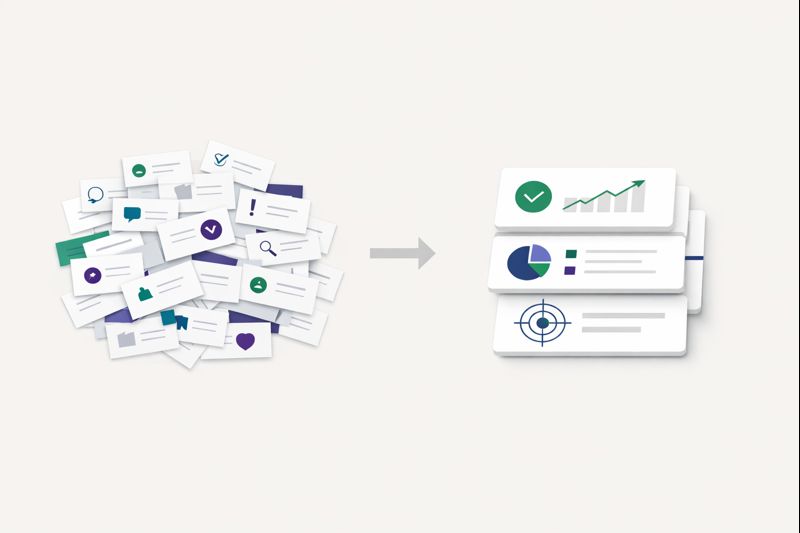
The collection of company knowledge – making everything visible Before AI can use, understand, and reliably provide knowledge, this knowledge must first be fully and correctly captured. That is precisely why the systematic collection of company knowledge is one of the most important steps on the way to an effective AI solution. This is expressly […]
3. The DEX analysis
The DEX Analysis – Clarity About Your Organization The DEX Analysis (Digital Experience & Execution) is the foundation of every successful AI implementation with Vimmera AI. It creates an objective, reliable picture of how your organization actually works – not just on paper, but in real everyday life. After the analysis meeting, we can, if […]

1. The introductory meeting
The introductory meeting – the first step towards effective AI The use of artificial intelligence in companies does not begin with technology, but with understanding.That’s why every collaboration with Vimmera AI starts with a structured introductory meeting. This meeting serves to truly understand your organization, your challenges, and your goals. It is not a sales […]

15. Fine-tuning before the actual launch
After the AI has been introduced in initial teams or departments, a targeted phase of joint optimization, adjustment, and error correction follows, even before the system goes live company-wide. This phase is crucial for turning a functioning solution into a truly robust, practical AI. The pilot operation shows how the AI is used in the […]

14. Change Management
The introduction of AI is not just a technical project, but a profound organizational and cultural transformation. New systems, new ways of working, and new possibilities trigger uncertainty, questions, or even fears in many people. Vimmera AI knows this, and that is exactly why change management is an integral part of every AI implementation. Our […]
13. Rollout of the AI systems
Once all the technical, content-related, and organizational foundations have been established, the rollout phase begins. In this step, the AI is not simply “switched on,” but introduced into the real working environment in a controlled, supported, and coordinated manner. The goal is for the AI not only to function, but also to be understood, accepted, […]
11. Additional data sources and interfaces
Depending on the use case, it may make sense or be necessary to supplement the knowledge base from documents and verified company knowledge with additional data sources. These include, for example, databases, business systems, and other data interfaces that can be connected via modern integration standards such as MCP. The reason is simple: not everything […]

2. The process workshop
After the initial introduction and a decision in favor of AI in the company, the next crucial step follows: the analysis meeting or the process workshop. Depending on the size of the company and the complexity of the processes, either a comprehensive discussion (the analysis meeting) or a workshop with several people and, if necessary, […]